
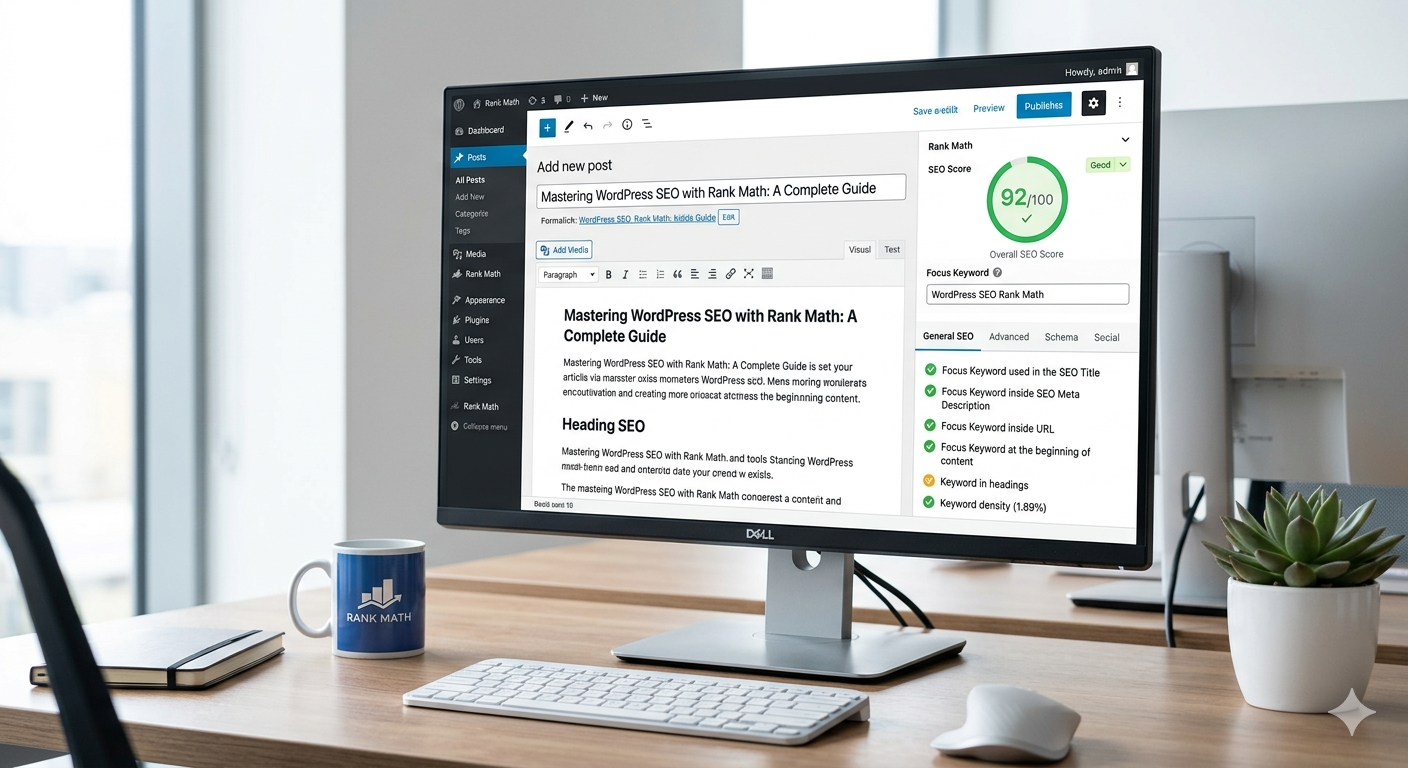
WordPress SEO Guide: Rank #1 on Google Easily

If you want to grow your website traffic without spending money on ads, then learning a proper WordPress SEO Guide is essential. Search Engine Optimization (SEO) helps your website appear in search results when users search for relevant topics on Google.
Many beginners struggle to rank their websites because they don’t follow the right SEO strategy. The good news is that WordPress makes SEO easier with the help of plugins and best practices.
In this detailed guide, you will learn step-by-step how to optimize your WordPress website and improve your chances of ranking #1 on Google.
🔍 What is WordPress SEO?
WordPress SEO is the process of optimizing your website so that search engines can easily understand your content and rank it higher.
It includes multiple factors such as:
- Content optimization
- Keyword placement
- Website speed
- Mobile responsiveness
- Technical SEO improvements
When all these elements are properly optimized, your website becomes more visible in search results.
⚙️ Install an SEO Plugin (Rank Math)
To get started, you need a powerful SEO plugin. One of the best options available today is Rank Math.
Why Rank Math is Recommended:
- Beginner-friendly interface
- Built-in SEO suggestions
- Focus keyword optimization
- Schema markup support
- Integration with Google Search Console
After installing the plugin, run the setup wizard and configure the basic settings. This step ensures your website is ready for SEO optimization.
🔑 Perform Smart Keyword Research
Keyword research is the foundation of SEO. Without the right keywords, your content will not rank.
Follow these simple tips:
- Use long-tail keywords (more specific phrases)
- Choose low competition keywords
- Analyze competitor websites
- Use tools like Google Keyword Planner
Example:
Instead of targeting a broad keyword like:
“SEO”
Use a more targeted keyword like:
“WordPress SEO Guide for beginners”
This increases your chances of ranking faster.

✍️ Optimize Your Content Properly
Content plays the most important role in SEO. Writing high-quality, optimized content can significantly improve your rankings.
Best practices for content optimization:
- Use the focus keyword in the first paragraph
- Add keywords naturally in headings (H2, H3)
- Keep paragraphs short and readable
- Use bullet points for clarity
- Write at least 600+ words
Additional tips:
- Avoid keyword stuffing
- Use simple and clear language
- Add internal links to other posts
- Include images to improve engagement
🏎️ Improve Website Speed
Website speed is a critical ranking factor. A slow website can hurt your rankings and user experience.
Ways to improve speed:
- Use a lightweight WordPress theme
- Install a caching plugin
- Optimize images before uploading
- Use a Content Delivery Network (CDN)
A fast-loading website keeps users engaged and helps improve your SEO performance.
📱 Make Your Website Mobile-Friendly
Most users browse websites on mobile devices. That’s why Google uses mobile-first indexing.
Make sure your site:
- Has a responsive design
- Loads quickly on mobile
- Uses readable fonts
- Has properly spaced buttons
A mobile-friendly website improves both user experience and rankings.
🔗 Build High-Quality Backlinks
Backlinks are one of the strongest ranking factors in SEO. They signal to Google that your website is trustworthy.
Effective ways to build backlinks:
- Guest posting on other blogs
- Sharing content on social media
- Writing valuable and shareable content
- Submitting your site to directories
Focus on quality over quantity when building backlinks.

📊 Use Google Tools for Tracking
To measure your SEO performance, you should connect your website with Google tools.
Important tools include:
- Google Search Console
- Google Analytics
These tools help you track:
- Website traffic
- Keyword rankings
- User behavior
- Technical issues
🎯 Final SEO Tips to Rank #1
Here are some final tips to improve your rankings:
- Be consistent with content publishing
- Regularly update old posts
- Focus on user experience
- Write content that solves real problems
SEO is a long-term process, but consistent effort brings great results.
✅ Conclusion
This complete WordPress SEO Guide provides everything you need to start optimizing your website. By following these strategies, you can improve your rankings, increase traffic, and grow your online presence.
Remember, success in SEO doesn’t happen overnight—but with the right approach, you can achieve top positions on Google.
👉 Visit my Services Page
👉 Check out my Fiverr Profile to get started!


